

Signing in
Sign in to Nest Learn, get help with access and sign out.
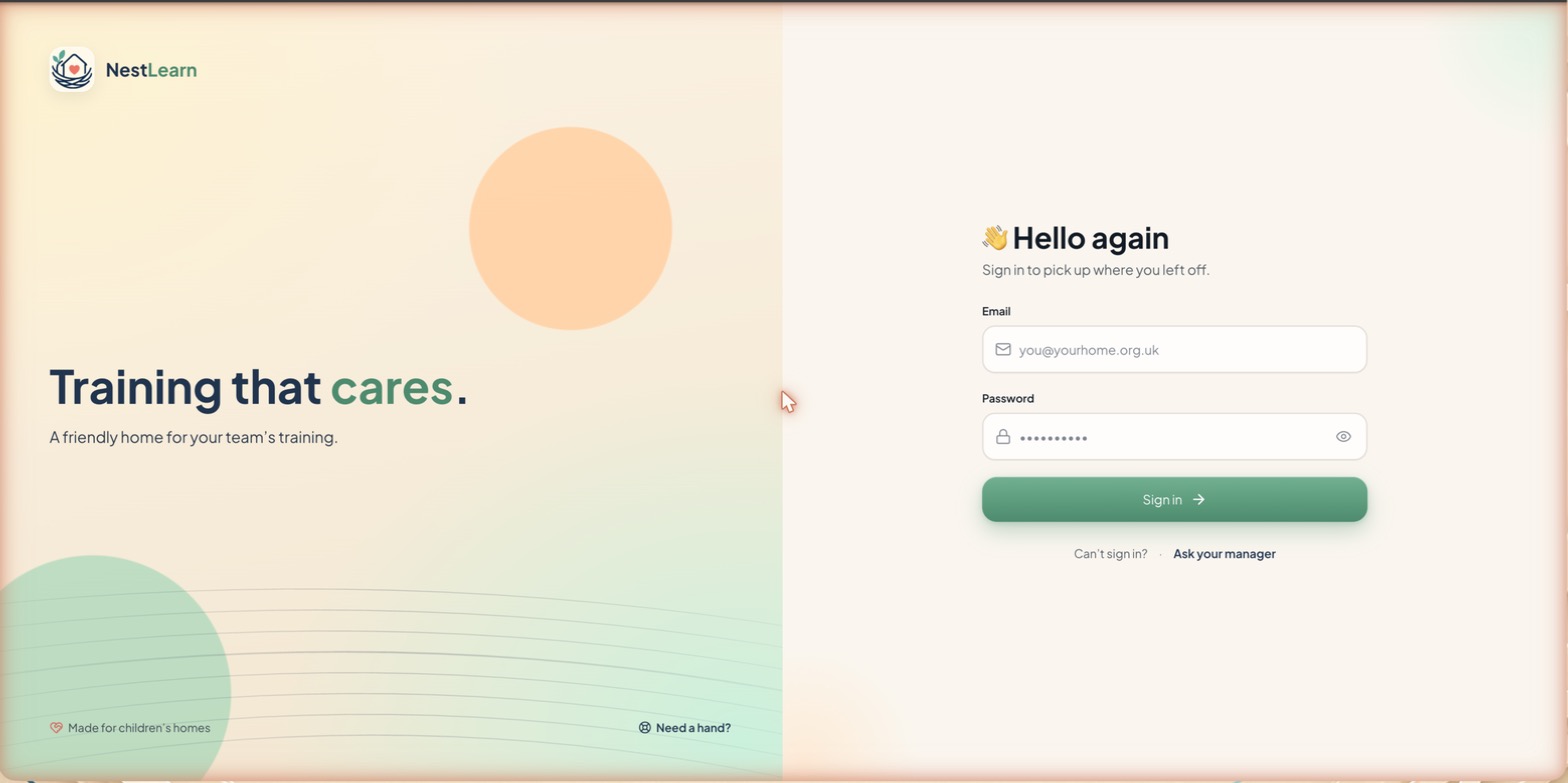
Use your organisation's Nest Learn address and the login details supplied to you.
Sign in
- Open your organisation's Nest Learn address.
- Enter your email address and password.
- Select Sign in. Your Nest Learn home screen should open.
Sign out
Select the ... next to your name at the bottom of the sidebar and choose Sign out, or use the Sign out button directly below it.
Related help
Updated about 3 hours ago
Did this page help you?