

Audit log
Find recorded changes and check who made them and when.
The Audit log shows recorded activity within your access scope.
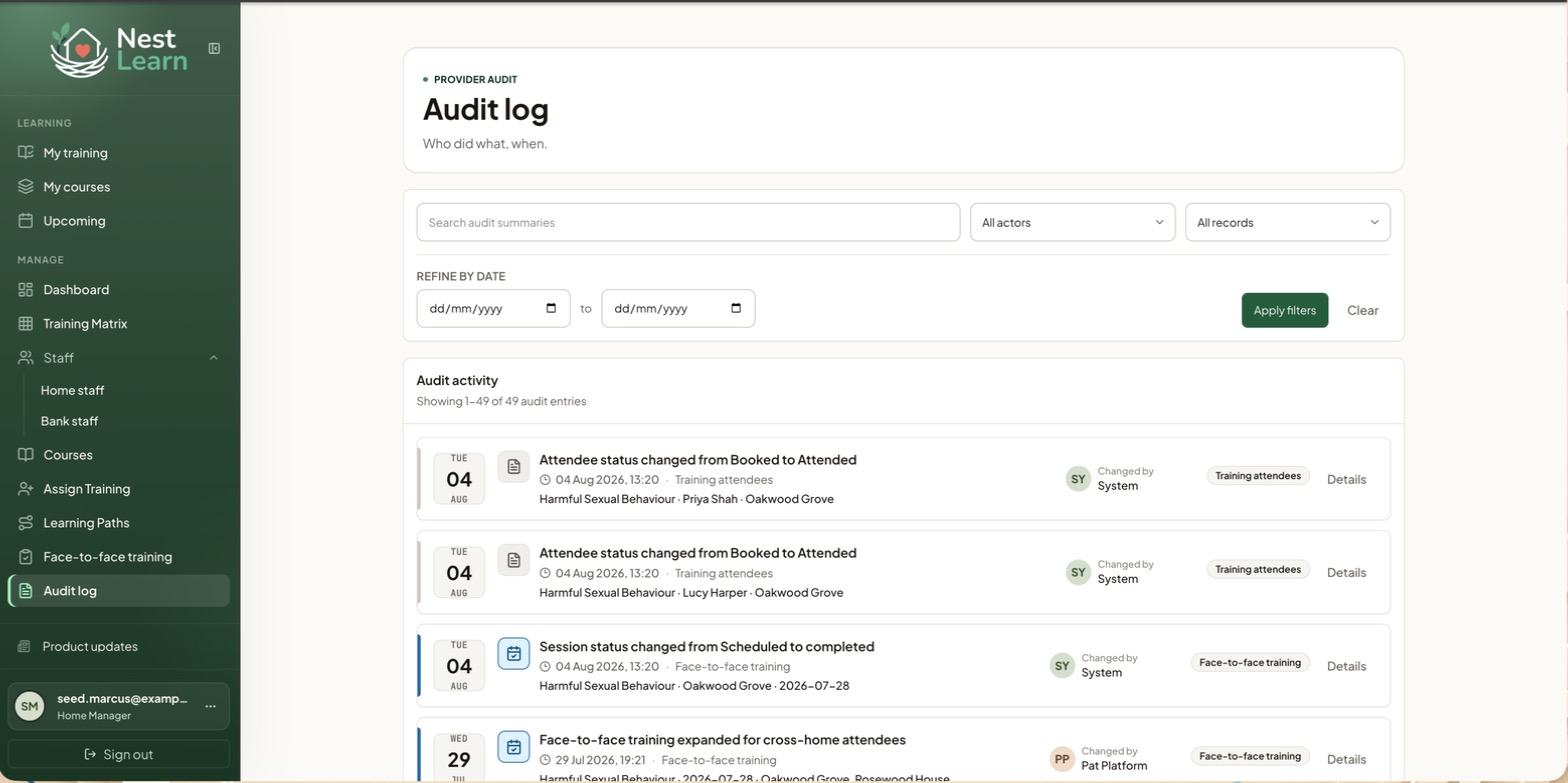
Find an entry
Search the summaries, filter by actor and record type, and narrow to a date range. Each entry shows what changed, when and who made the change, with a Details link. Automatic changes are labelled System.
Use it when a record looks wrong and you need to see how it got that way.
Provider Senior Managers
The Audit log shows recorded activity across the whole Provider, with the same search and filters. Check it alongside staff History, training records and evidence when investigating a change.
Related help
Updated about 3 hours ago
Did this page help you?