

Certificates
View certificate records and preview or download uploaded certificates.
Online course certificates are generated automatically when you complete the course requirements.
View a certificate record
- Open My courses and select Completed.
- Select the certificate icon beside the course to open its record.
- For an uploaded certificate, use Preview to open it in another tab or Download to save a copy.
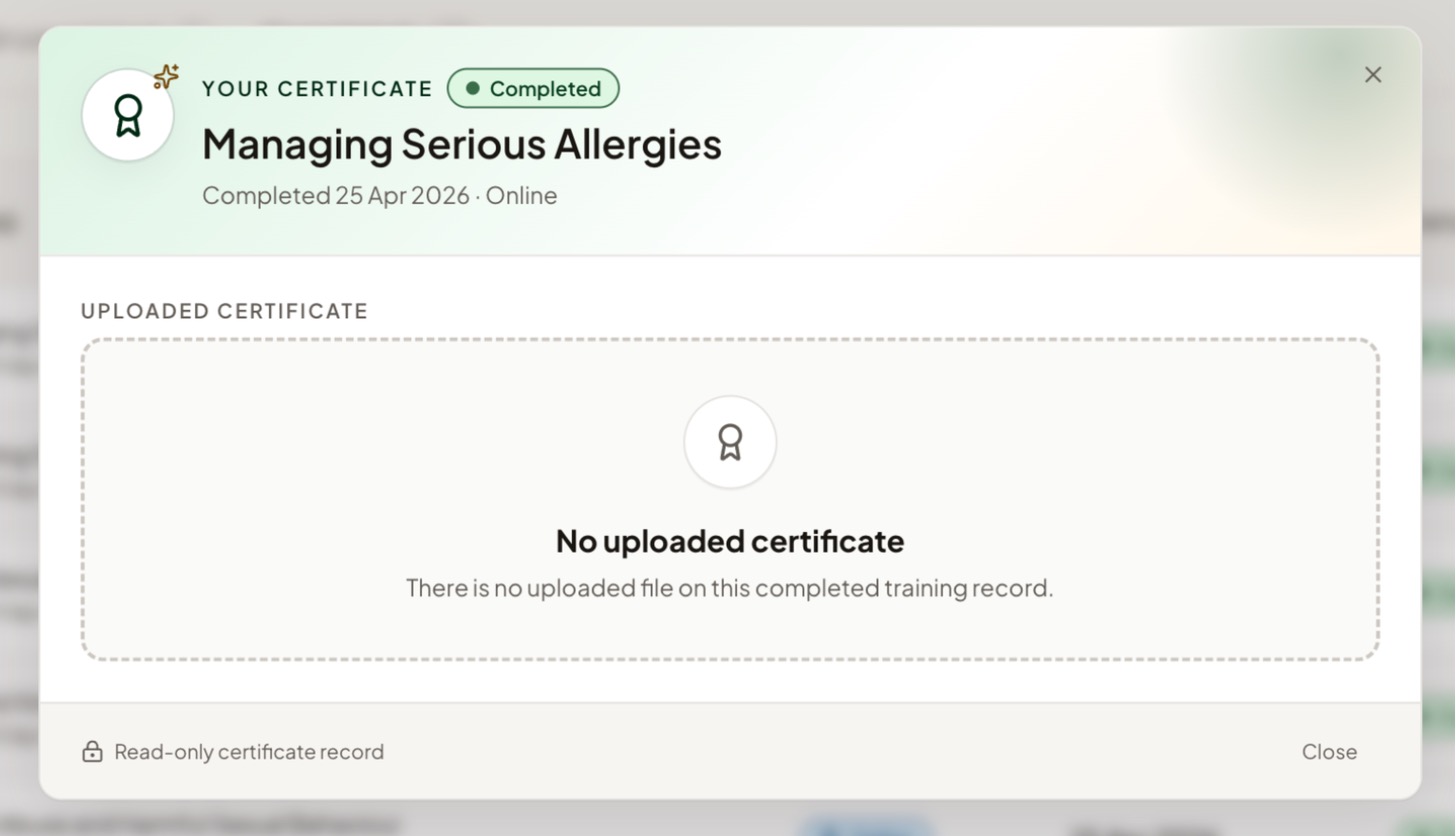
The record shows the course name, completion date and type, with the certificate where one is available.
Uploaded certificates
Two kinds of completed training have certificates added by your manager instead:
For these, the record shows the uploaded file. If it says No uploaded certificate, ask your manager to check whether one needs adding. A missing certificate does not necessarily mean the training is incomplete.
Need a certificate corrected?Certificate records are read-only for staff: you can view them, but you can't upload or change files. If something looks wrong or is missing, speak to your manager.
Related help
Updated about 3 hours ago