

Face-to-face bookings
Check your booked training dates and know who to ask if you need a booking.
Your manager arranges face-to-face training and books you onto a date.
Until a date is set, the course sits in My courses under Face-to-face with no date attached. Once your manager books you, the status changes to Booked with the date. Select Details to check the time and venue.
After the session, your manager records attendance. An Attended outcome can create the completion record before the certificate has been uploaded.
Upcoming training
Upcoming lists every face-to-face date you're booked on, in date order, so you have the details you need to attend.
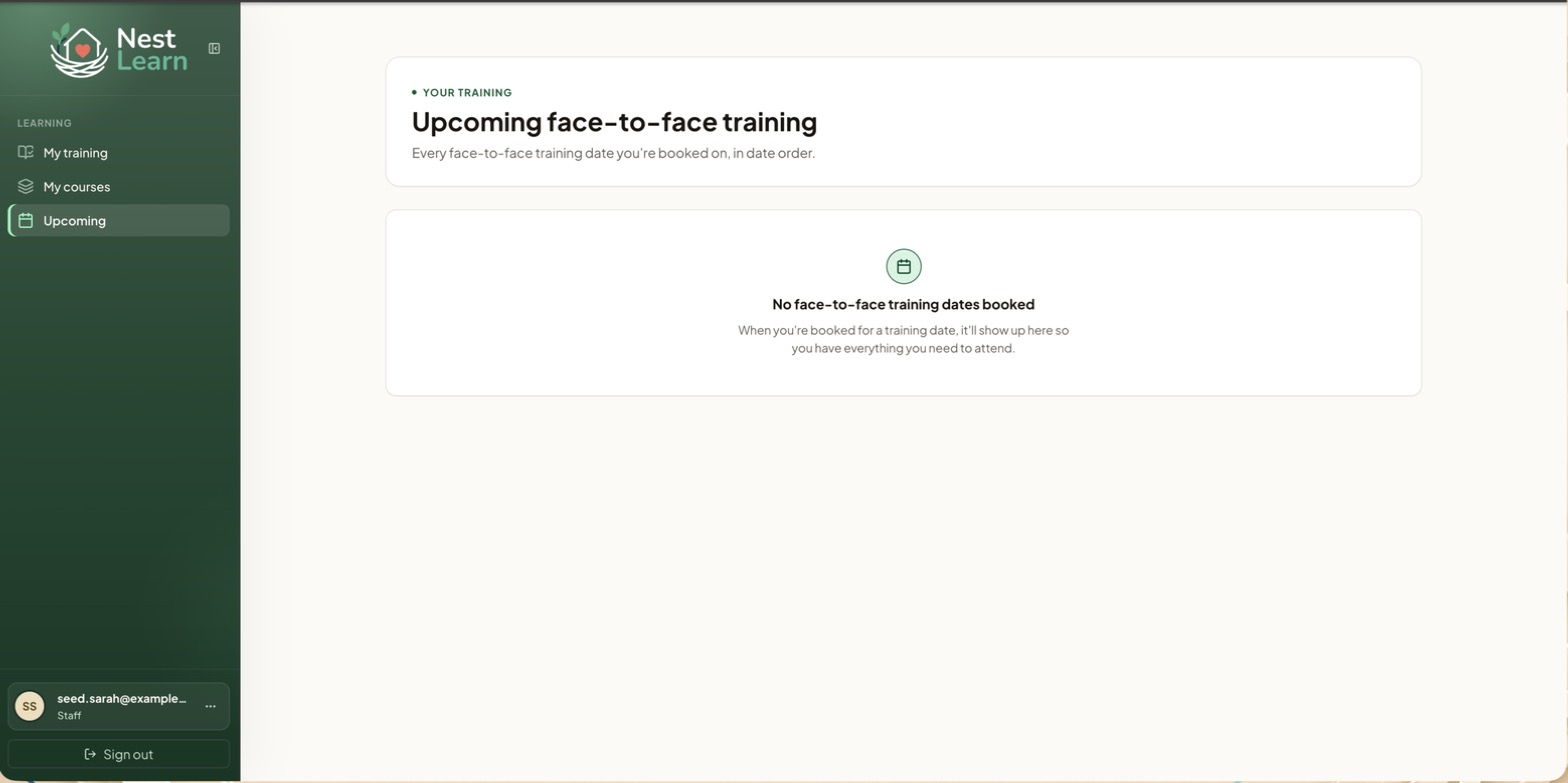
No upcoming date?If it says No face-to-face training dates booked, either nothing is booked yet or all your booked dates have already passed. A booking whose date has gone by will still appear against the course in My courses, but not here.
Common questions
I'm booked on a course but it's not in Upcoming
Upcoming only lists dates still to come. Check the course in My courses: the booked date will show there.
I need a date for a face-to-face course
Speak to your manager. Staff accounts can't book training dates.
Related help
Updated about 3 hours ago