

Managing courses
Add face-to-face courses and external record types, and understand the online catalogue.
Provider Senior Managers can add face-to-face courses and external record types. Home Managers can view the library and assign eligible courses, but cannot create or edit them.
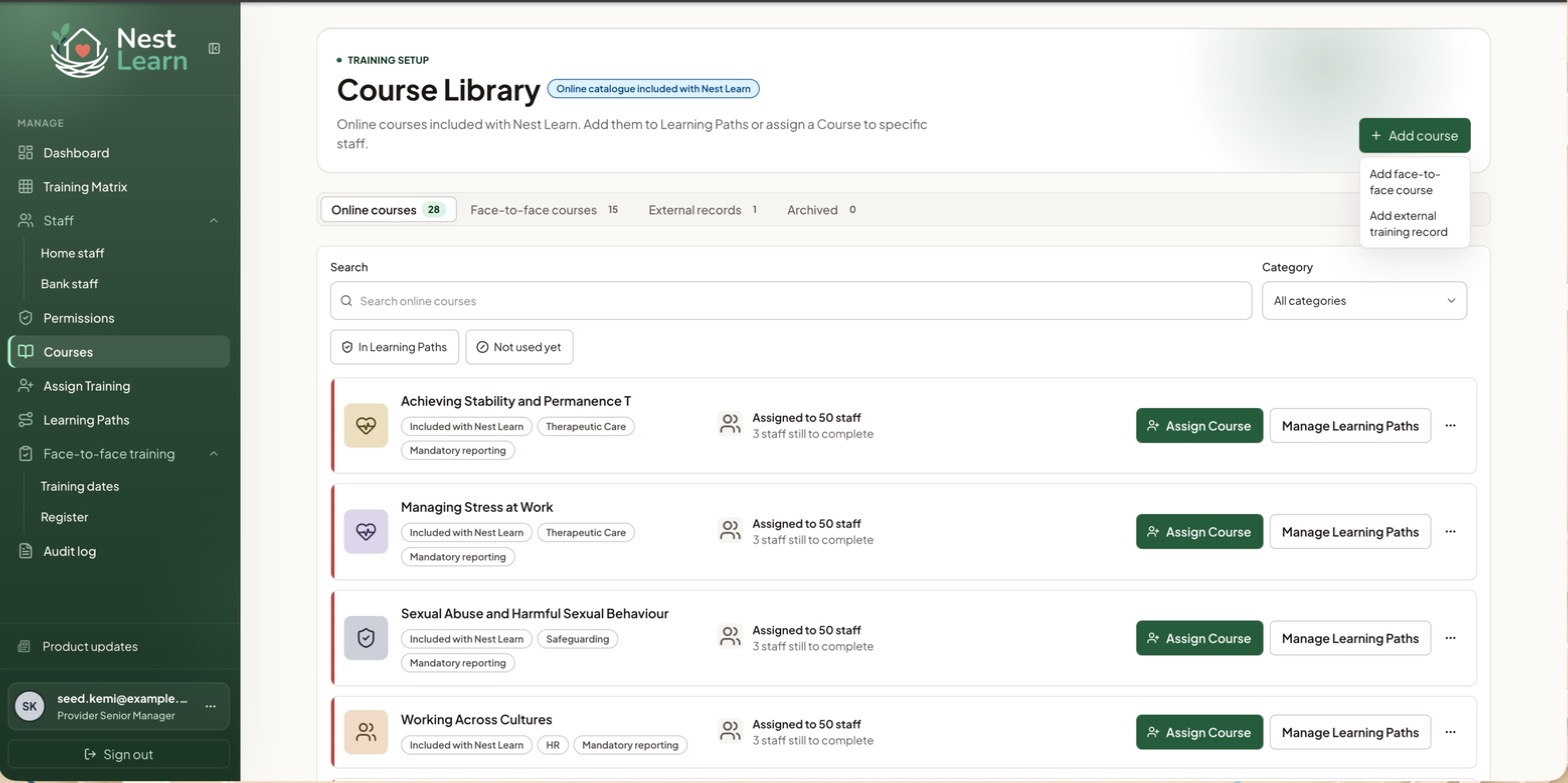
Choose the record type
Add course offers two options.
An in-person course your organisation delivers or arranges. Give it a name and a category, and it's created.
Once created you can use it everywhere a course is used: Training Matrix reporting, Learning Paths, required training tasks, scheduled dates and attendance.
A record type for training completed outside Nest Learn. Name it, categorise it, and set a default validity: how long it stays valid, or no expiry.
External records are for record keeping only. They can't be assigned, scheduled, added to a Learning Path, or shown in the Training Matrix. Use them to evidence training someone already holds, not to plan training they still need.
Online courses
Nest maintains the shared online catalogue. You cannot add online courses or edit or archive its published online courses through this menu. For courses created by your Provider, use the settings offered on the course.
Related help
Updated about 3 hours ago